
- Your cart is empty
- Continue Shopping

Gadget TipsGadgets Review
How Wireless Earbuds Seamlessly Connect and Work with Your iPhone
-
By Fortunatus
- Posted on
- 0 comments
How do wireless earbuds work with iPhone?
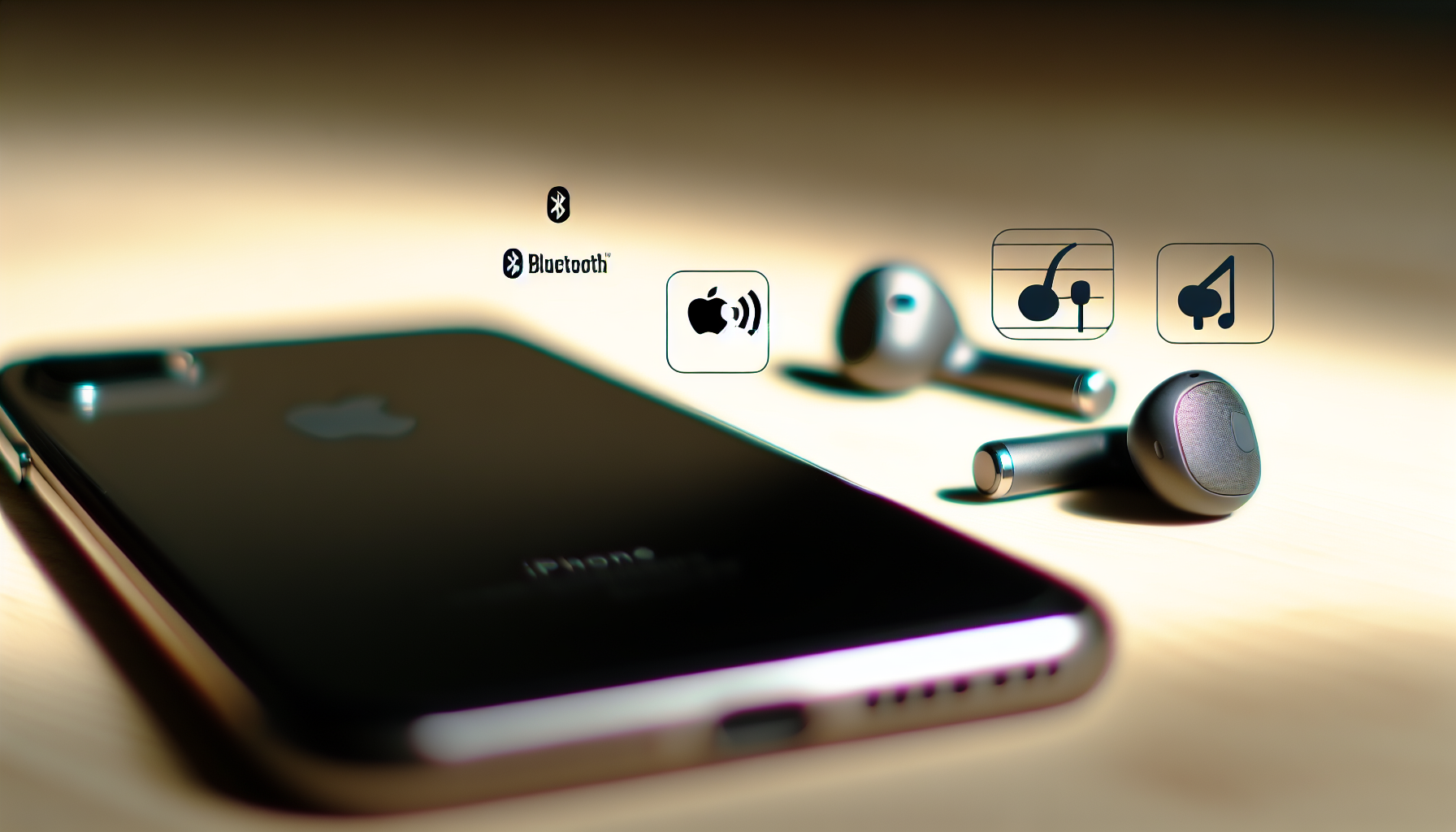
The seamless integration of wireless earbuds with iPhones hinges on a combination of hardware and software technologies, primarily Bluetooth and Apple’s proprietary protocols. Understanding these technologies is key to appreciating how effortlessly audio flows between your iPhone and your earbuds.
Bluetooth is the bedrock of this wireless connection. iPhones use Bluetooth to discover and communicate with nearby devices, including wireless earbuds. When you put your earbuds into pairing mode, they broadcast a signal that your iPhone detects. The iPhone then presents the earbuds in its Bluetooth settings, allowing you to initiate a connection. Once paired, the devices establish a secure and encrypted link.
But it’s not just about basic Bluetooth connectivity. Apple leverages Bluetooth profiles like A2DP (Advanced Audio Distribution Profile) to ensure high-quality audio transmission. A2DP defines how stereo audio is streamed wirelessly from your iPhone to your earbuds. Similarly, the AVRCP (Audio/Video Remote Control Profile) allows your earbuds to control playback on your iPhone, enabling you to pause, skip tracks, and adjust volume directly from your earbuds.
Apple’s ecosystem advantage further enhances the experience. For instance, AirPods and certain Beats headphones benefit from Apple’s H1 or H2 chip. These chips go beyond standard Bluetooth functionality, offering features like:
- Instant Pairing: When you bring your AirPods near your iPhone, a pairing card automatically appears on the screen. This eliminates the need to manually navigate through Bluetooth settings.
- Automatic Device Switching: If you’re logged into the same iCloud account on multiple Apple devices (iPhone, iPad, Mac), your AirPods can seamlessly switch between them based on which device is actively playing audio.
- Lower Latency: Apple’s chips optimize audio transmission for reduced latency, which is particularly important for gaming and video watching.
- Improved Battery Life: The H1 and H2 chips are designed for power efficiency, contributing to longer battery life for both your iPhone and your earbuds.
Beyond these core functionalities, the iPhone’s operating system, iOS, plays a crucial role. iOS includes system-level support for managing Bluetooth connections, prioritizing audio routes, and handling audio codecs. Codecs are algorithms that compress and decompress audio data. iPhones support various codecs, including SBC, AAC, and, with certain earbuds, even higher-quality codecs like aptX. The choice of codec affects the audio quality and latency. Apple generally favors AAC for its balance of quality and efficiency.
Furthermore, iOS integrates with features like Siri, allowing you to control your iPhone with voice commands through your earbuds’ microphone. Noise cancellation and transparency modes, common in many wireless earbuds, are also tightly integrated with iOS, giving you control over these settings directly from your iPhone’s Control Center.
In essence, the seamless integration of wireless earbuds with iPhones is a result of a carefully orchestrated combination of Bluetooth technology, Apple’s proprietary chips, and the iOS operating system. This synergy ensures a user-friendly experience, high-quality audio, and a range of convenient features that make wireless listening a pleasure.
Conclusions
Wireless earbuds work seamlessly with iPhones thanks to advanced Bluetooth technology, intuitive integration, and continual improvements in audio transmission and device management. Understanding these underlying mechanisms empowers you to get the best out of your wireless audio experience, troubleshoot effectively, and appreciate the convenience modern iPhone earbuds provide.
